The Armory — Equipment

The Armory

The gear behind the operation. Tap a marker to jump to that part of the Armory.

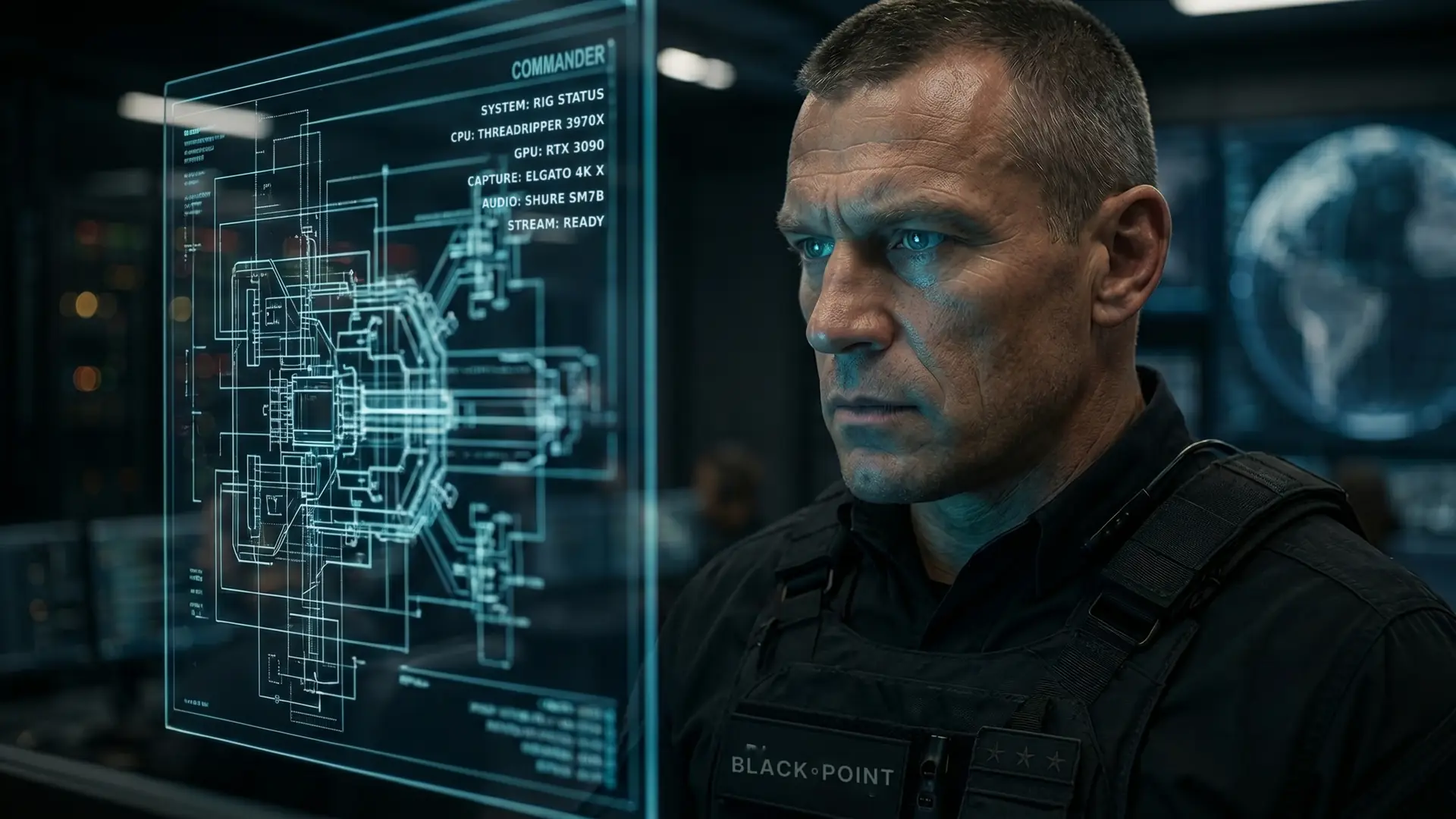
A Black Point commander studying a holographic system schematic

Tap a marker to explore

  • The Vault Spotlight
  • Get heard Phase 01
  • Get seen Phase 02
  • Run the show Phase 03
  • Set the room Phase 04
  • Go bigger Phase 05

Field-tested gear

The Loadout

Built piece by piece, tested live. This is the kit behind every Black Point operation, and the order we'd build it in again.

We use everything on this page. Nothing here is sponsored.

In the spotlight

01 / 06
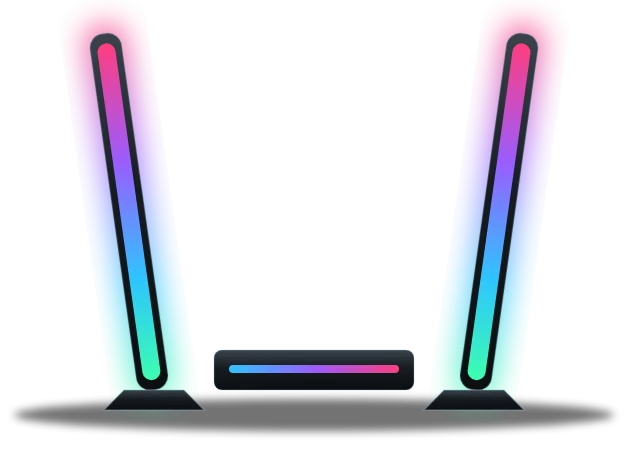
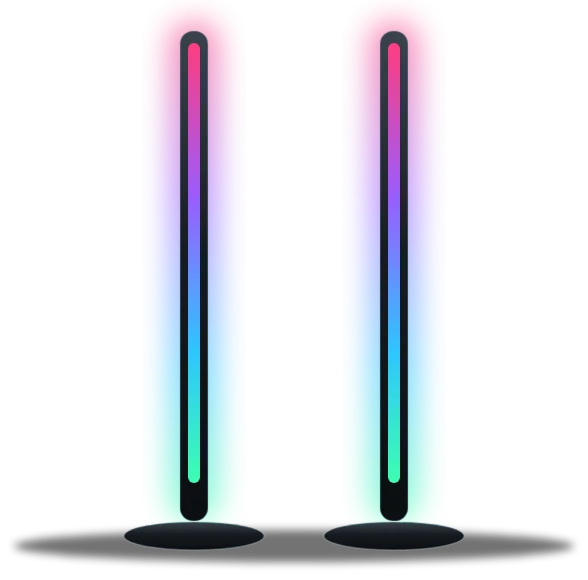
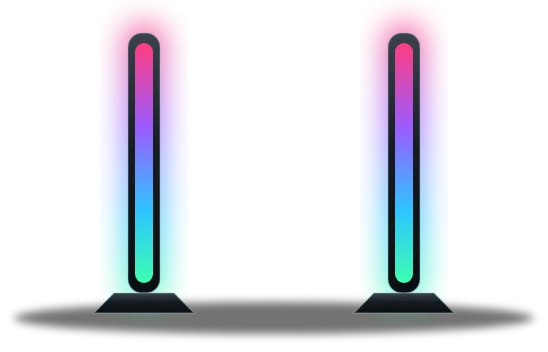
Govee Gaming Light Bars Pro
ITEM 01CLEARANCE: OPERATORPHASE 04 · Set the room

New arrival

Govee

Gaming Light Bars Pro

The newest piece in the room. Two long bars frame the shot in color and move with the game, so the set reacts with the stream.

Skip it if one light bar behind the monitor already does the job for you.

In service
The upgrade path

Every piece here earned its spot on a Black Point stream. Find the phase you're in, see what we run and why, and what you can skip.

PHASE 01

Get heard

Audio first. Viewers forgive a soft picture long before they forgive bad sound.

BP-01
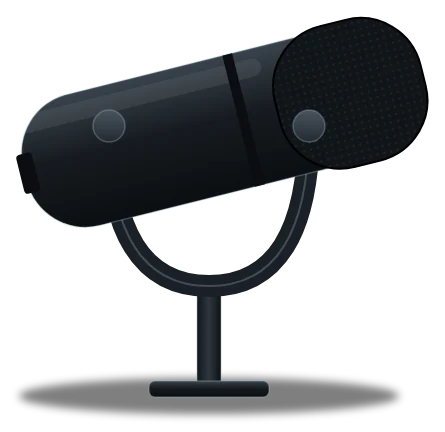
Shure SM7B Microphone

Shure

SM7B Microphone

Field report

Your voice is the one thing every viewer hears, every second of the stream. The SM7B keeps it clean and close, and keeps the room out of the mix.

Skip it if you don't have an audio interface yet. It needs one, and plenty of gain.

In service
BP-02
Elgato Wave XLR

Elgato

Wave XLR

Field report

The SM7B needs clean gain, and this delivers it, with a tap-to-mute dial right on the desk. Pairs with Wave Link to mix everything.

Skip it if you're on a USB mic. You don't need an interface.

In service
BP-03
Astro A50 Wireless Headset

Astro

A50 Wireless Headset

Field report

No cable fighting you through a long session. Built for hours on, so the headset never becomes the problem.

Skip it if you just need something that works. A wired headset does the job for less.

In service
PHASE 02

Get seen

Light, camera, eye contact. In that order.

BP-06
Elgato Prompter

Elgato

Prompter

Field report

Read chat, notes or a script while looking straight down the lens. Viewers feel like you're talking to them, because you are.

Skip it if you rarely talk to camera.

In service
BP-07
Elgato Facecam Pro

Elgato

Facecam Pro

Field report

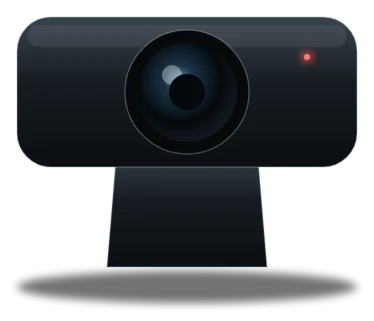
4K60 keeps you sharp even after the stream gets cropped into clips and shorts.

Skip it if your stream is gameplay-only, or your PC is already maxed out.

In service
BP-12
Elgato Key Light

Elgato

Key Light

Field report

A camera is only as good as the light on you. One good key light does more for your look than a camera upgrade.

Skip it if you stream by a big window and only in daylight.

In service
PHASE 03

Run the show

Control everything without leaving the game.

BP-09
Elgato Stream Deck+

Elgato

Stream Deck+

Field report

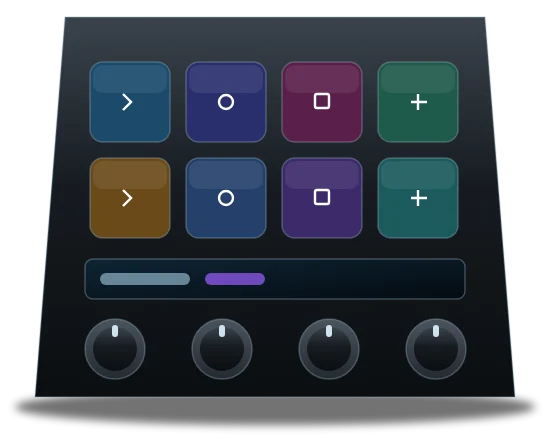
Dials for audio, keys for scenes. Everything that used to need a mouse now takes one touch, mid-fight.

Skip it if you run one scene and never touch your audio.

In service
BP-10
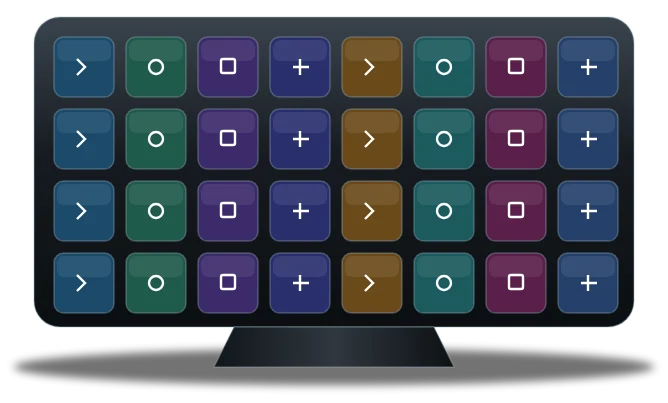
Elgato Stream Deck XL

Elgato

Stream Deck XL

Field report

32 keys means every scene, alert and shortcut has its own button. No folders, no digging mid-match.

Skip it if you only switch a few scenes. A smaller Deck covers it.

In service
BP-11
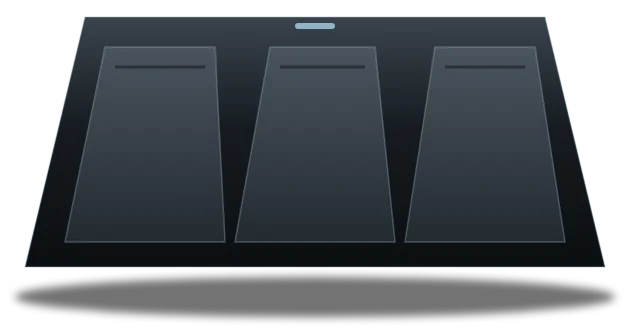
Elgato Stream Deck Pedal

Elgato

Stream Deck Pedal

Field report

Three foot switches for when both hands are busy. Clip it, mute it, switch it without letting go of the controller.

Skip it if you haven't filled up a regular Stream Deck yet.

In service
PHASE 04

Set the room

Turn the space behind you into a set.

BP-13
Govee BR30 Smart Bulbs

Govee

BR30 Smart Bulbs

Field report

Swap the bulbs you already have and the whole room can change color with the mood of the stream.

Skip it if you'd rather start with light bars or a lamp you can aim.

In service
BP-14
Govee Light Bars

Govee

Light Bars

Field report

Behind the monitor they add depth on camera and make late nights easier on the eyes.

Skip it if your desk sits against a window.

In service
BP-15
Govee Floor Lamp 2 (×2)

Govee

Floor Lamp 2 (×2)

Field report

Two of these turn a room into a set. Color behind you makes the whole shot look deliberate.

Skip it if your camera can't see the room behind you.

In service
BP-16New arrival
Govee Gaming Light Bars Pro

Govee

Gaming Light Bars Pro

Field report

The newest piece in the room. Two long bars frame the shot in color and move with the game, so the set reacts with the stream.

Skip it if one light bar behind the monitor already does the job for you.

In service
PHASE 05

Go bigger

When the basics are locked in, scale the operation.

BP-04
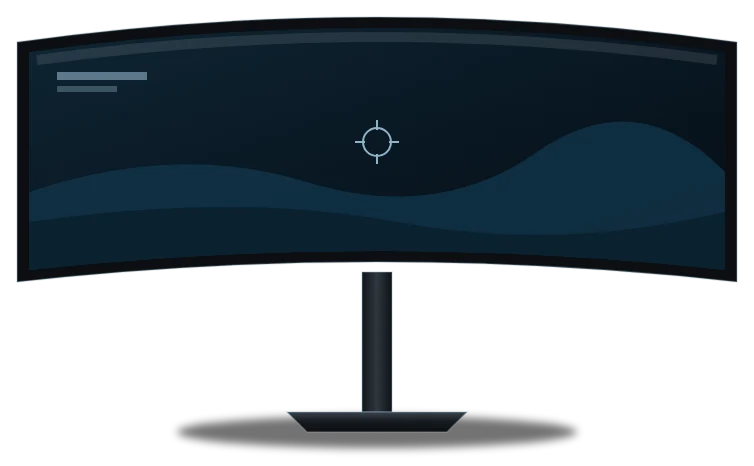
Samsung Odyssey G9 — 49"

Samsung

Odyssey G9 — 49"

Field report

49 inches puts the game, chat and dashboards on one screen. Nothing hidden behind another window.

Skip it if your desk or your graphics card isn't ready for a super-ultrawide.

In service
BP-05
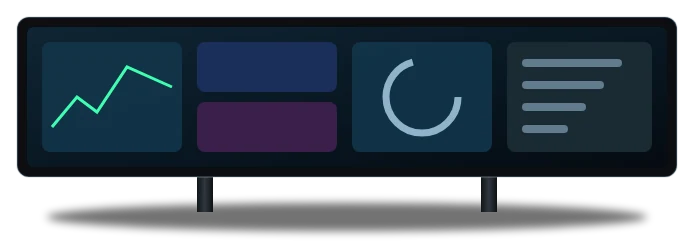
Corsair Xeneon Edge

Corsair

Xeneon Edge

Field report

A touchscreen strip for chat, stats and controls, so the main screen stays all game.

Skip it if your main setup isn't dialed in yet. This is a finishing touch.

In service
BP-08
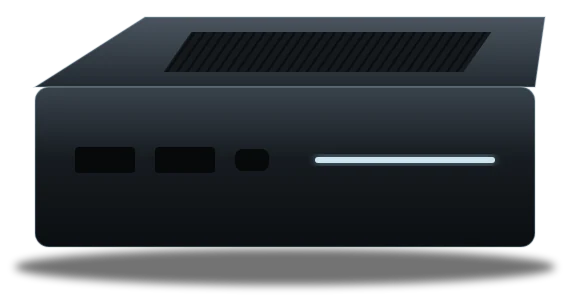
Elgato 4K X Capture Card

Elgato

4K X Capture Card

Field report

Brings consoles or a second PC into the stream in 4K, so any platform can feed the broadcast.

Skip it if you only stream PC games from the same PC.

In service